- Go to your iPhone or iPad’s Settings
- Navigate to Apps > Mail
- Select Mail Accounts
- Select Add Account
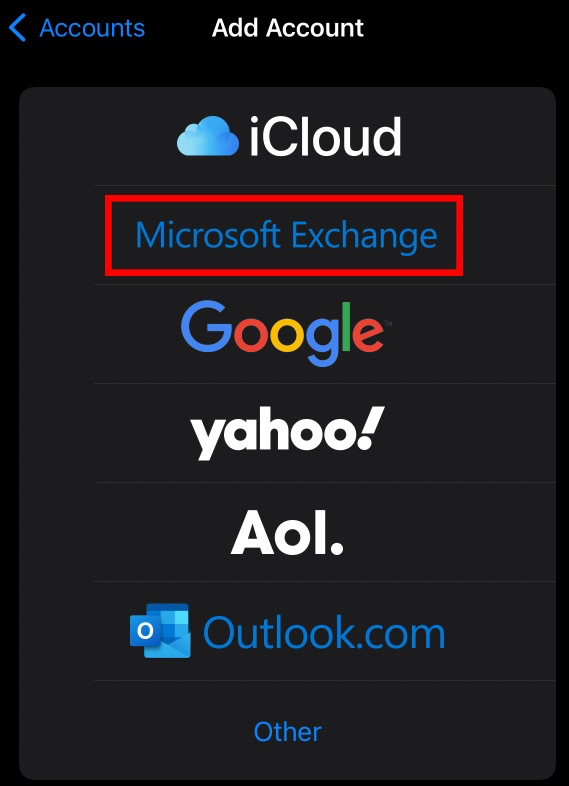
- Select Microsoft Exchange
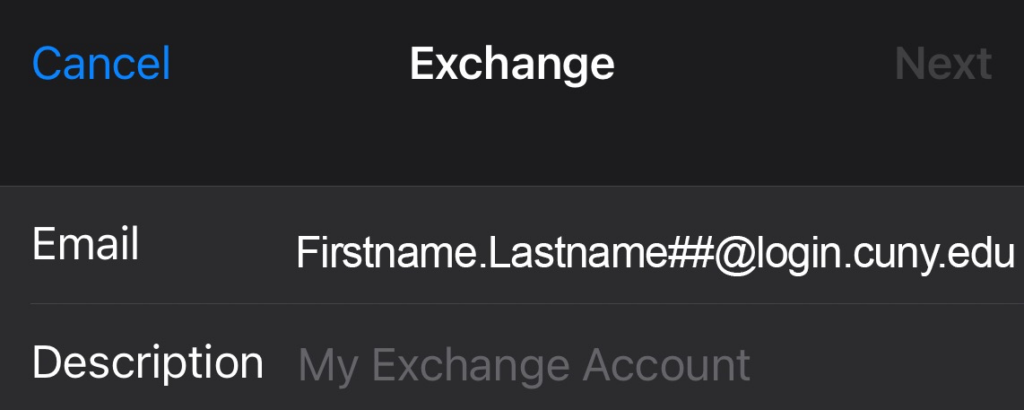
- Enter your CUNY Login username (Firstname.Lastname##@login.cuny.edu) as your email address.
You will be redirected to the CUNY Web Applications Login page.
4. Enter your CUNY Login credentials.
- The Mail app may request certain permissions. Tap Accept.
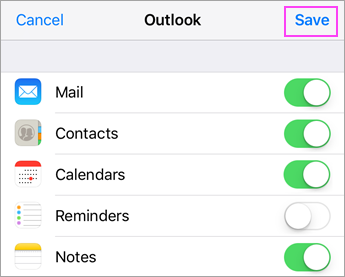
- Choose the services from your M365 cloud account that you want to sync with your iOS device and tap Save.