
The Brooklyn College Digital ID is a convenient and secure replacement for your plastic college ID card. It is accessible from the BC Navigator mobile app.
How to get your Digital ID
- Install the BC Navigator mobile app


- Sign in to BC Navigator using your WebCentral ID
- Add your photo
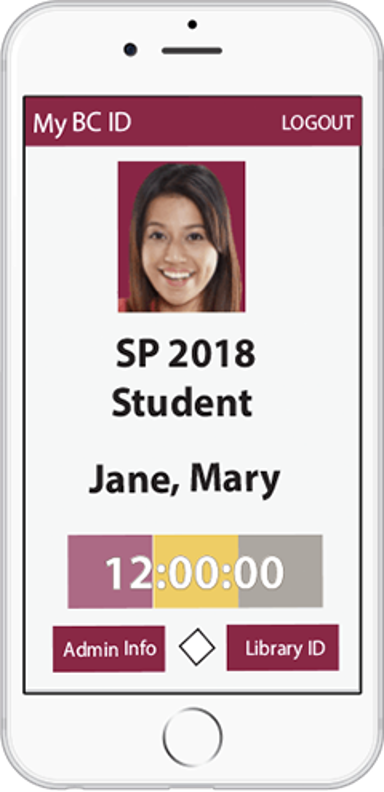
Top 3 reasons to use your Digital ID:
- It is accepted at all open entrances.
- It automatically validates each semester.
- It includes a bar code that you can use to borrow college library books and to enter recreation facilities.