
Here is how to set up your Microsoft 365 Multi-Factor Authentication (MFA):
- Open https://aka.ms/mfasetup
- Enter your CUNY Login credentials to sign in to Microsoft 365.
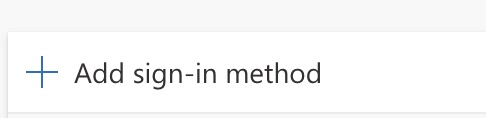
The Security info page for your Microsoft 365 account is displayed. - Click + Add sign-in method.
The list of available factors is displayed.
- Choose a verification option for your Microsoft 365 MFA:
Microsoft Authenticator App (recommended option) or Phone (least secure).
Review all the MFA verification options.
- Follow the prompts to register your selected factor for use with Microsoft MFA.
After the transition to your CUNY email account, you will be prompted to respond to MFA prompts when logging into your email or accessing your Microsoft 365 applications.