
Since your new unified CUNY mailbox will receive messages from all CUNY colleges you attend, here are some suggestions for managing your mailbox.
Choosing your send from address
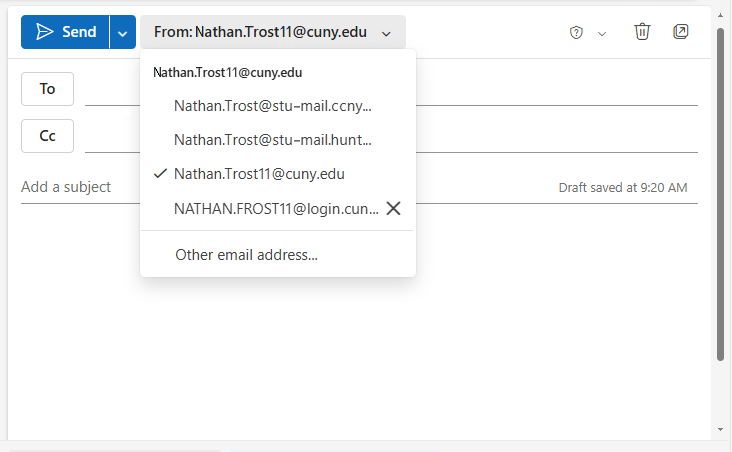
Before you send, forward, or reply to an email, click on the Send button (in Outlook on the web) or From button (in the desktop Outlook client) and choose the address to send from.
Organizing your mailbox
Some suggestions from Microsoft on how you can use folders, rules, categories, and Outlook features to help organize your mailbox.
- Organize your inbox – how to use sweep, rules, folders, and categories to help manage email for multiple addresses in your CUNY mailbox.
- Manage email messages by using rules in Outlook to automatically perform specific actions on messages that arrive in your inbox.