
Multi-factor authentication (MFA) is an extra layer of security for your CUNY Microsoft 365 (M365) account (which includes your CUNY student email). With MFA, you must provide another piece of information after signing in with your username and password. This second factor is commonly a random code sent to your phone as a text, voice call, or generated in a dedicated authenticator app.
MFA is required for all CUNY M365 accounts and for all M365 applications, including Outlook Email, Teams, Copilot, and Excel, Word, PowerPoint, OneDrive, and M365 mobile apps.
Setting up Multi-Factor Authentication
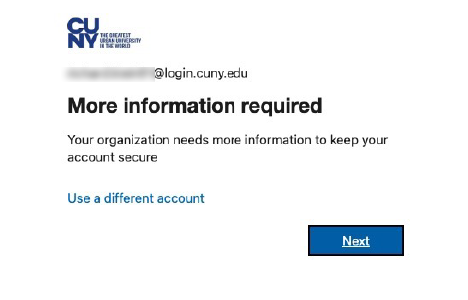
- When you first sign in to your Microsoft 365 account you will be prompted by a message that says “More information is required.”
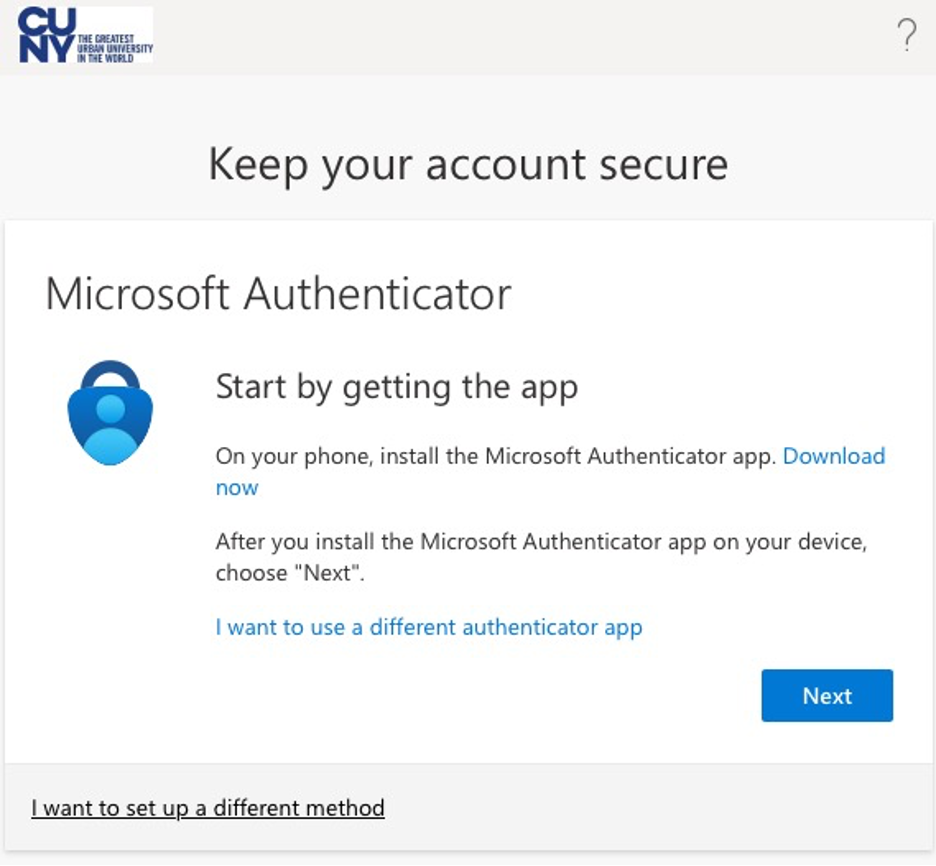
- Follow the steps to use Microsoft Authenticator (recommended) or click the link to use a different authenticator app. If you don’t want to use an authenticator app, click “I want to set up a different method” at the bottom to verify using a voice phone number or text message.
Learn more about the different MFA verification options.
How do I add another MFA verification option?
After enabling your first MFA verification option, open your M365 account security info page to add other options or change/remove options.