
If you graduated before 2019
If you graduated before 2019, your college email account is no longer available.
If you graduated between 2019 and Spring 2026
Your Brooklyn College alumni email address is the same address that you used as a student, in the following format: Your CUNYLogin (CUNYfirst) username followed by @bcmail.cuny.edu (e.g., your.username##@bcmail.cuny.edu).
How to access your alumni email account on the web
- Go to outlook.office.com
- Sign in using your Brooklyn College email address and password. If you don’t remember your CUNY Login account information, see: I Forgot my CUNY Login Username and I Forgot My CUNY Login Password for assistance.
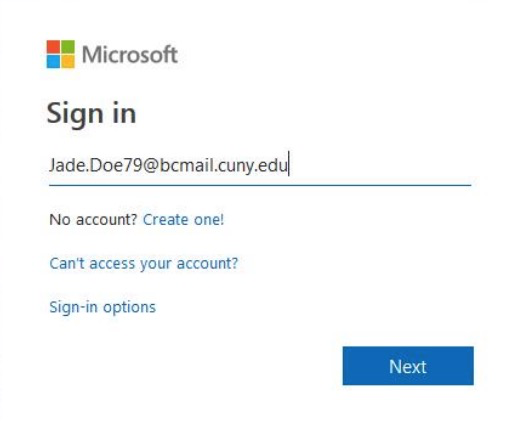
- Click yes or no to stay signed-in.
- You should see an option to open Outlook on the web to view your inbox.
How to access your alumni email account on iOS
Go to your iPhone or iPad’s Settings
- Navigate to Apps > Mail
- Select Mail Accounts
- Select Add Account
- Select Microsoft Exchange Enter your student email address
(e.g. firstname.lastname##@bcmail.cuny.edu) - Enter your username and password when prompted:
Username: firstname.lastname##@bcmail.cuny.edu
Password: your email password - Click Done
How to access your alumni email account on Android
- Go to System Setting > Accounts & Sync/Email > Add Account
- Choose Exchange/Microsoft Exchange
Domain/Username: enter your student email address and password (firstname.lastname##@bcmail.cuny.edu / CUNY Login password)
Server/Sever Address: outlook.office365.com - Choose secure connection (SSL) and Accept all SSL certificates and select Next.
- Select the services you wish to sync with the Exchange server (e.g. email, calendar, tasks) and how often to sync.
- Click Done.
If you graduated after Spring 2026
Your central CUNY mailbox account is accessible in the same way as before. You need to access your mailbox at least once per year to retain access. See How to configure your devices to access your CUNY mailbox.